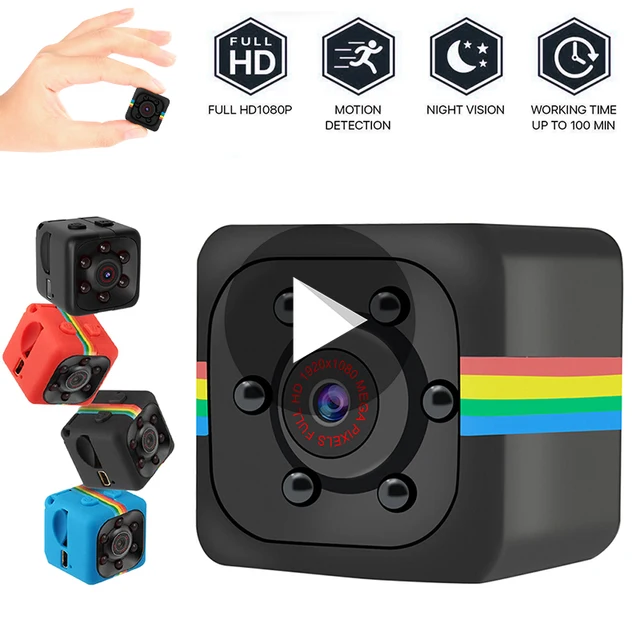
Hikvision Q 1 NEtwork PT Camera
Product description
-Connect your mobile - phone to WIFI. -Download and INstall Hik-Connect app by seaching "Hik-Connect" in the Apple Store or Google Play. -Launch the Hik-Connect app and register for a user account. -Log in to the Hik-Connect app. -In the HOme Pahe,Tap"+" on the upper -right corner and then scan the QR code of the camera. Follow the prompts to set the camer's network connection. Quantity - 1, MRP- 9400/-